
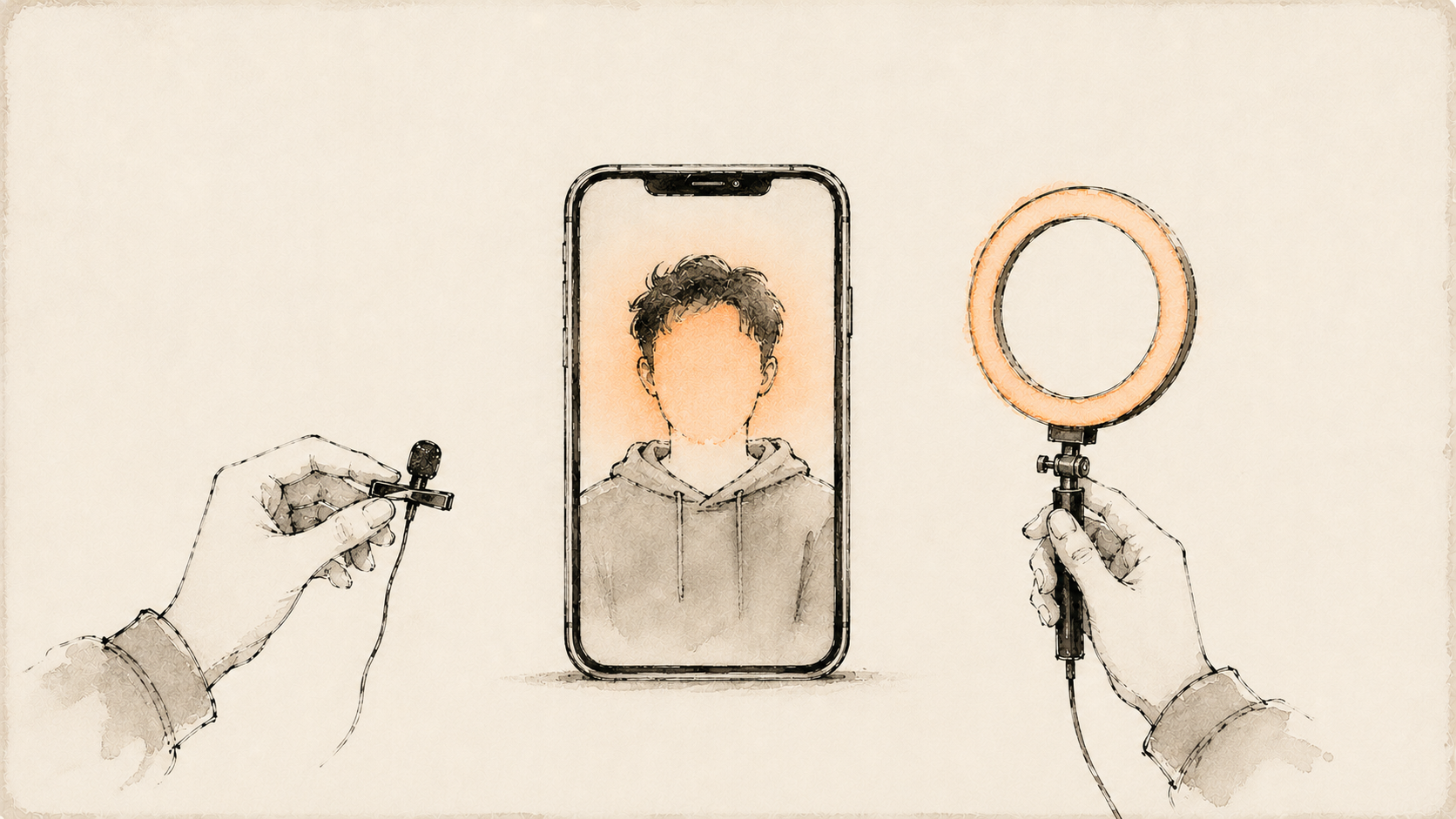
Plenty of people want the upside of Reels — reach, followers, income — without putting their face on camera. Some are camera-shy, some keep work and personal life separate, some just don't have time to film. The good news: faceless accounts grow every day in finance, food, productivity, travel, and a dozen other niches. The catch: "faceless" doesn't mean effortless, and some methods fit certain niches much better than others. Here are the five methods that actually work in 2026, with honest effort and cost estimates for each. I build an AI tool in this space (method five), but the first four require nothing from me and work today with free apps.
#Can You Grow on Instagram Reels Without Showing Your Face?
Yes. Instagram's algorithm distributes Reels based on watch time, shares, and engagement — not on whether a face appears. Faceless accounts succeed constantly in tutorial, finance, food, and motivational niches. The trade-off is connection: faces build parasocial trust faster, so faceless content must compensate with stronger hooks, voice, or information density.
That trade-off shapes which method you should pick. Information-dense niches (how-tos, finance, tech) barely suffer from facelessness. Personality-driven niches (lifestyle, comedy, vlogging) suffer a lot — viewers follow people there. Match the method to your niche, not the other way around.
#How Do You Make Reels with B-Roll and a Voiceover?
Film or collect atmospheric clips — your desk, your kitchen, your city — then record a voiceover delivering the actual value, and add captions. Your voice carries the personality; the visuals just hold attention. Edit in CapCut or InShot with auto-captions. This is the most personal-feeling faceless format.
The workflow:
- Write a 30–60 second script with a hook in the first line.
- Shoot 5–10 short clips on your phone: hands working, environments, movement. Overhead and over-the-shoulder angles hide faces naturally.
- Record the voiceover on your phone in a quiet room (a closet works — soft surfaces kill echo).
- Assemble in CapCut: clips cut to the voiceover's rhythm, auto-captions on, light music under the voice.
- Export at 1080×1920 and post.
Effort: Medium — 1–2 hours per Reel once you're practiced. Cost: Free (CapCut's free tier covers everything this needs; Pro runs roughly $10–20/month if you want extras). Best for: food, fitness, crafts, productivity, day-in-the-life content where your hands and environment are the visual.
#How Do You Turn Screen Recordings into Reels?
Record your phone or computer screen while demonstrating something — an app, a spreadsheet, a design process, a coding trick — then trim it, speed it up, add a voiceover or captions, and post. Built-in screen recorders on iOS, Android, macOS, and Windows make capture free; the value is entirely in what you teach.
The workflow:
- Pick one specific outcome: "set up this Notion template," "this Excel formula saves an hour."
- Do a practice run, then record cleanly. Hide notifications and personal info first.
- Trim dead time aggressively — speed up slow sections 2–4x.
- Add a hook as on-screen text in the first second, plus a voiceover or caption track explaining each step.
- Crop to vertical (zoom into the active area of desktop recordings so it's legible on a phone).
Effort: Low-to-medium — the recording is fast; tight editing is what takes time. Cost: Free. Best for: software tutorials, AI tools, spreadsheets, design, coding, productivity. If your niche involves a screen, this is the highest-credibility faceless format there is — you're literally showing your work.
#How Do You Make Text-on-Screen Reels with Trending Audio?
Put a single strong message as text over a simple background clip and let a trending audio carry it. These take minutes to produce: one insight, one visual, one sound. The format lives or dies on the writing — the text is the content, so weak copy means zero saves or shares.
The workflow:
- Collect strong one-liners and micro-lists from your niche: hot takes, reframes, "3 signs you..." hooks.
- Find trending audio (scroll your niche's Reels and look for the arrow icon next to sounds, or check Instagram's professional dashboard for trends).
- Shoot or pick a simple background loop — walking shot, coffee pour, scenery.
- Overlay the text in Instagram's editor or CapCut. Keep it readable: big type, high contrast, away from the UI edges.
- Post with a caption that expands on the one-liner.
Effort: Very low — 10–20 minutes each, easy to batch ten at a time. Cost: Free. Best for: motivational, business, relationship, and opinion-driven niches. Honest warning: this is the most saturated faceless format. Volume and sharp writing are the only edge.
#Can You Use Stock Footage for Faceless Reels?
Yes — sites like Pexels and Pixabay offer free licensed vertical clips you can cut into Reels with captions and a voiceover or trending sound. It's the fastest way to produce visual variety without filming anything. The risk is genericness: stock-only accounts can feel anonymous, so pair the footage with a distinct voice or strong scripts.
The workflow:
- Script first, footage second. Write the voiceover or caption track, then find clips matching each beat.
- Search free libraries (Pexels, Pixabay, Mixkit) filtered to vertical/portrait.
- Cut clips to 1–3 seconds each — fast visual rhythm holds retention even when the footage is generic.
- Add your voiceover and auto-captions; color-grade everything with one filter so mixed sources feel cohesive.
- Check licenses if you monetize (the libraries above are free for commercial use; always confirm per clip).
Effort: Low-to-medium — mostly searching and editing. Cost: Free, or $15–30/month for premium libraries with deeper catalogs. Best for: finance, travel, history, luxury, storytelling, and "explainer" accounts where cinematic visuals beat authentic ones.
#Can an AI Avatar Make Reels of You Without Filming?
Yes — this is the newest method and the one I build. Regent renders a lip-synced talking avatar from one photo of you and clones your voice from a 15-second sample, so the output is your face and voice, but you never film. Or skip your likeness entirely and use a fully synthetic avatar.
This flips the faceless trade-off. Methods one through four hide your face and pay for it in connection. An avatar keeps the face-on-camera format — the one Instagram audiences connect with most — while removing the filming. To be clear about how it works in Regent: you upload one photo, the avatar engine renders a lip-synced talking video from it, and the voice engine speaks your script in a clone of your voice built from about 15 seconds of sample audio. The script itself can come from Regent's research — it watches competitor accounts in your niche and drafts scripts from what's already working — and the finished Reel publishes to Instagram on schedule.
The workflow:
- Upload one clear photo (or choose a synthetic presenter if you want full facelessness).
- Record ~15 seconds of audio to clone your voice.
- Approve or edit the script the AI drafts for your niche.
- The Reel renders — your avatar speaking the script, lip-synced, captioned.
- Review and publish, or let it post at peak time.
Effort: Very low after setup — minutes per Reel, mostly script review. Cost: Free right now in Regent's public beta (100-creator cap); post-beta plans start at $24.99/month. Best for: educators, coaches, and personal brands who want a consistent on-camera presence without the camera. Honest limits: avatar delivery suits talking-head educational content. It won't do physical demonstrations, comedy skits, or raw vlog energy — for those, methods one and two are still better.
#Which Faceless Method Should You Start With?
Start with the method your niche already rewards: screen recordings for software topics, b-roll voiceovers for hands-on niches, stock footage for cinematic explainers, text-on-screen for opinion content, and an AI avatar when you want talking-head Reels without filming. Most successful faceless accounts eventually mix two or three formats.
Mixing also protects you from format fatigue — when one style's reach dips, the others carry the account. If you want to plan a week of faceless Reels before committing to any tool, the free reel planner drafts hooks and outlines from a description of your niche, no signup required.
And if the avatar route fits, Regent's public beta is free while it lasts — 100 creators, every feature included, Instagram only for now. Apply at heyregent.com.